What is Stackreps?
See how Stackreps connects your notes, study plan, summaries, questions, flashcards and learning podcasts, and find the right place to begin studying.
Step by step
- Understand the learning goal and the two study modes.
- See a completed example stack and its task for today.
- Open a task from the study plan.
- Learn what summaries, questions, flashcards and podcasts are for.
- Return to the study plan to find your next step.
Transcript
- 0:00Lots to learn, little time.
- 0:02How do you turn your notes into a clear path forward?
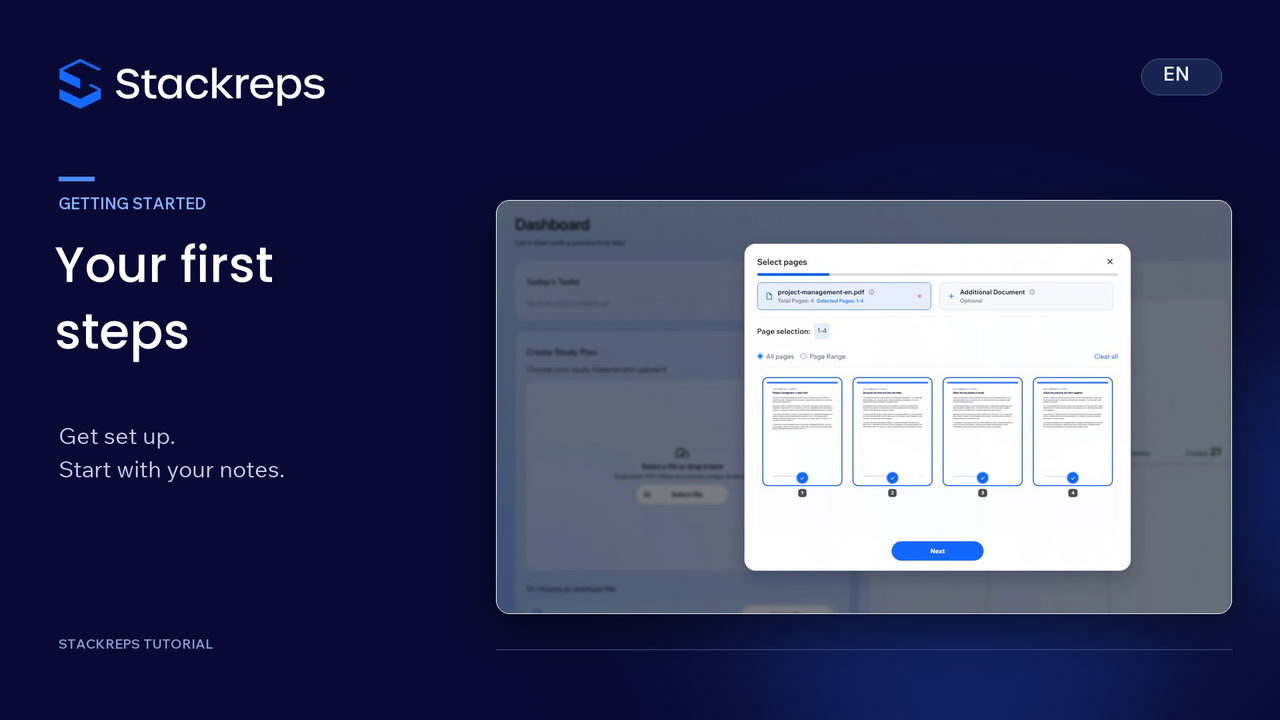
- 0:05Stackreps brings your material together in a stack.
- 0:08Choose a goal: an exam or lasting knowledge.
- 0:11Speed Mode condenses key ideas.
- 0:14Detail Mode explores the material more thoroughly.
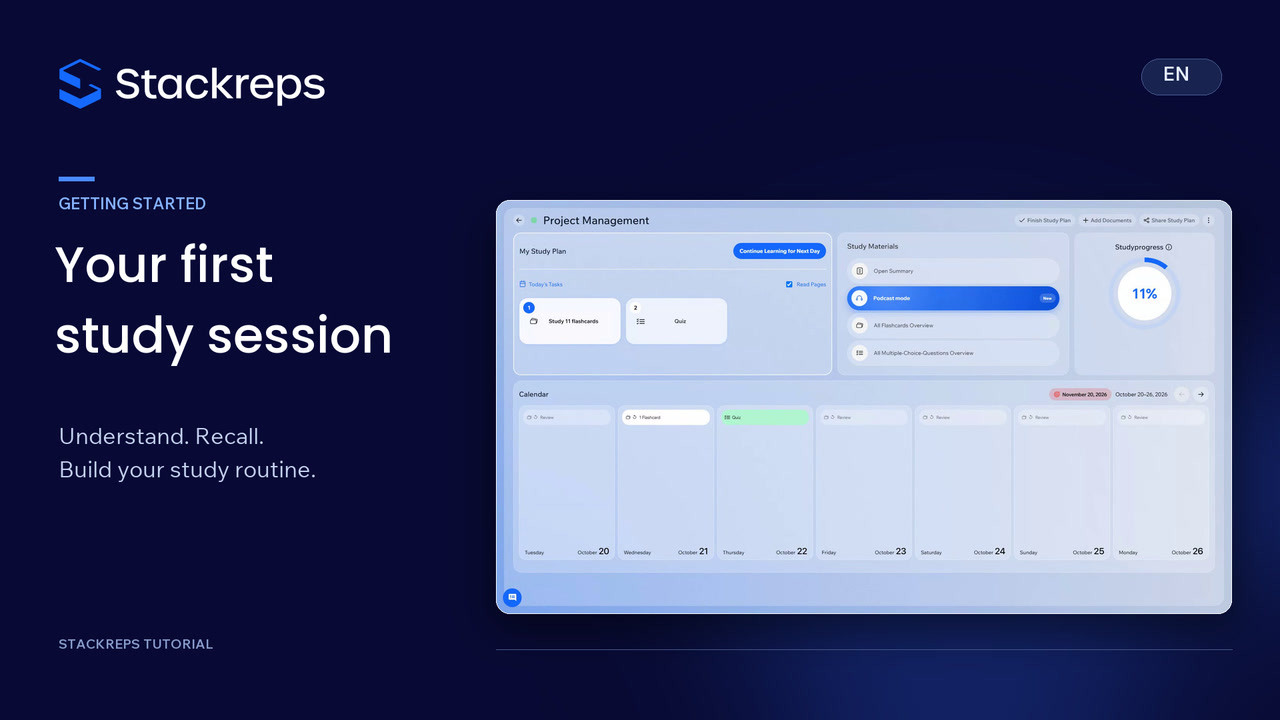
- 0:18Here's the finished stack.
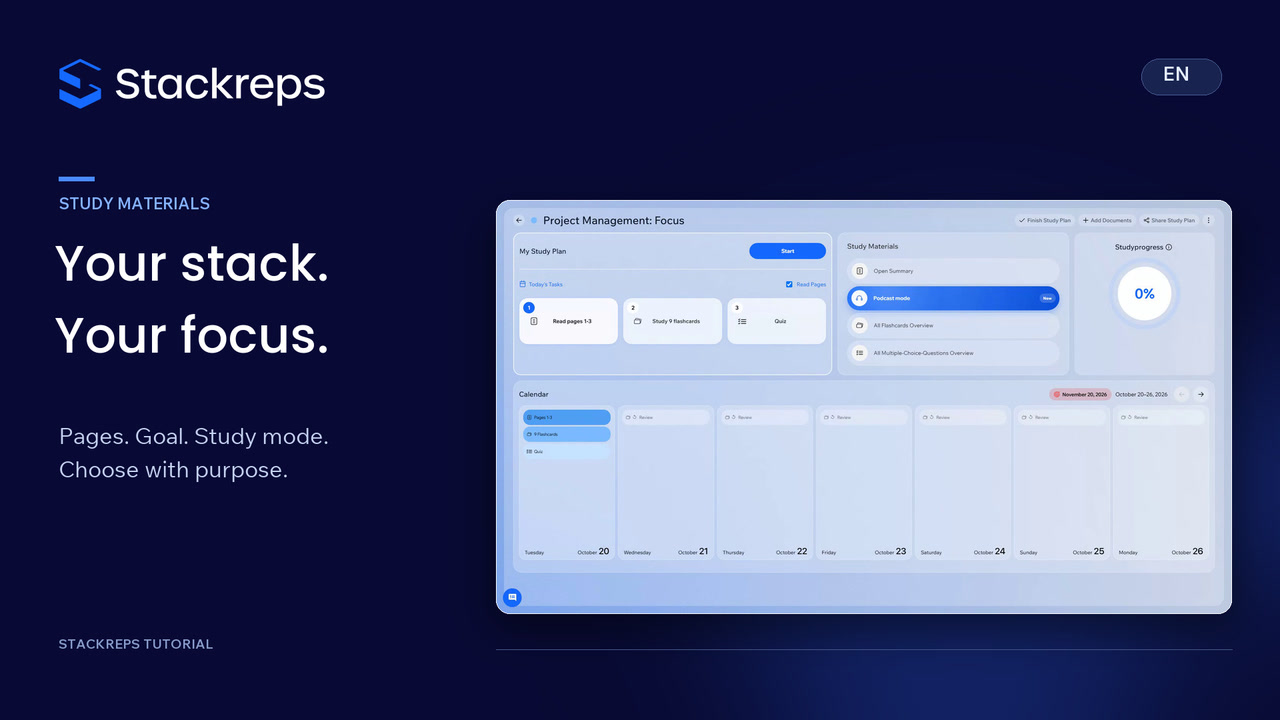
- 0:20Your study plan shows what's due today.
- 0:22Open a task to begin.
- 0:24Start with a summary to understand the ideas.
- 0:26You can also edit the content later.
- 0:29Multiple-choice questions help you check your understanding.
- 0:32With flashcards, recall the answer yourself before revealing it.
- 0:36For a review on the go, listen to your study podcast.
- 0:39Your documents, practice and next study day,
- 0:43all connected in one place.