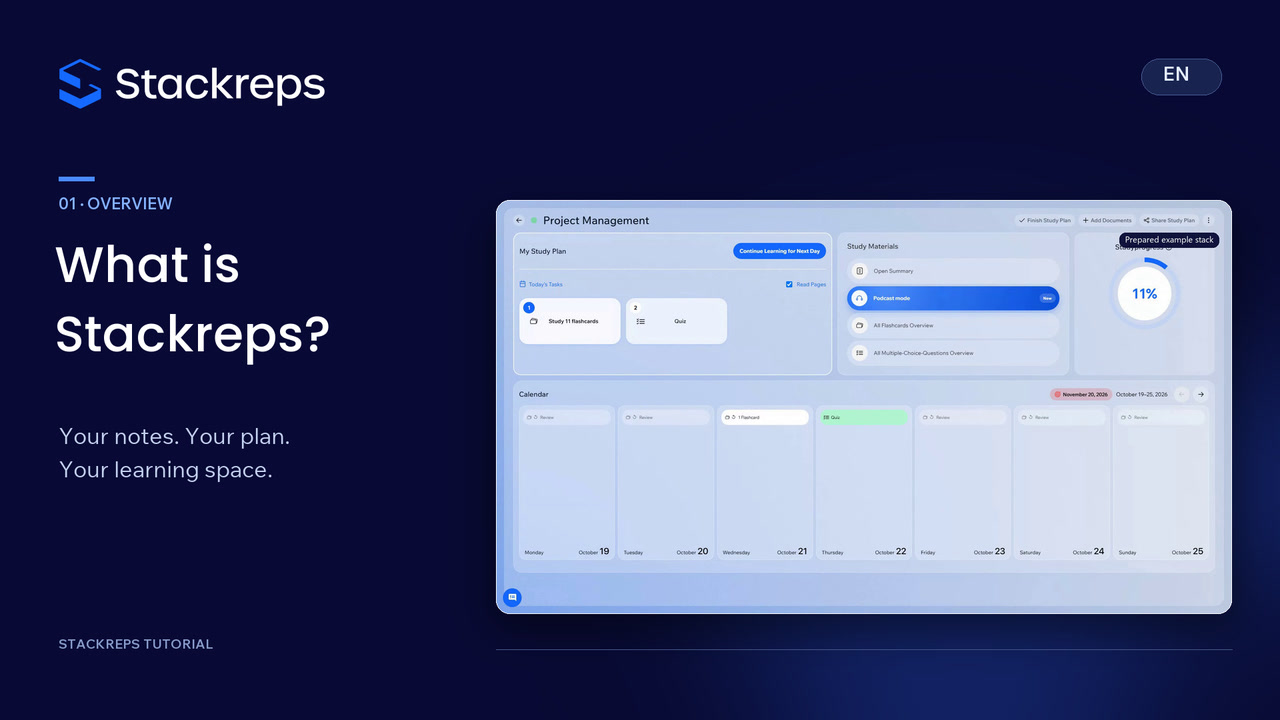
 Getting started
What is Stackreps?
See how Stackreps connects your notes, study plan, summaries, questions, flashcards and learning podcasts, and find the right place to begin studying.
Stackreps Tutorials
Find the right guide and learn how to use Stackreps, step by step.
13 tutorials
Getting startedSee how Stackreps connects your notes, study plan, summaries, questions, flashcards and learning podcasts, and find the right place to begin studying.
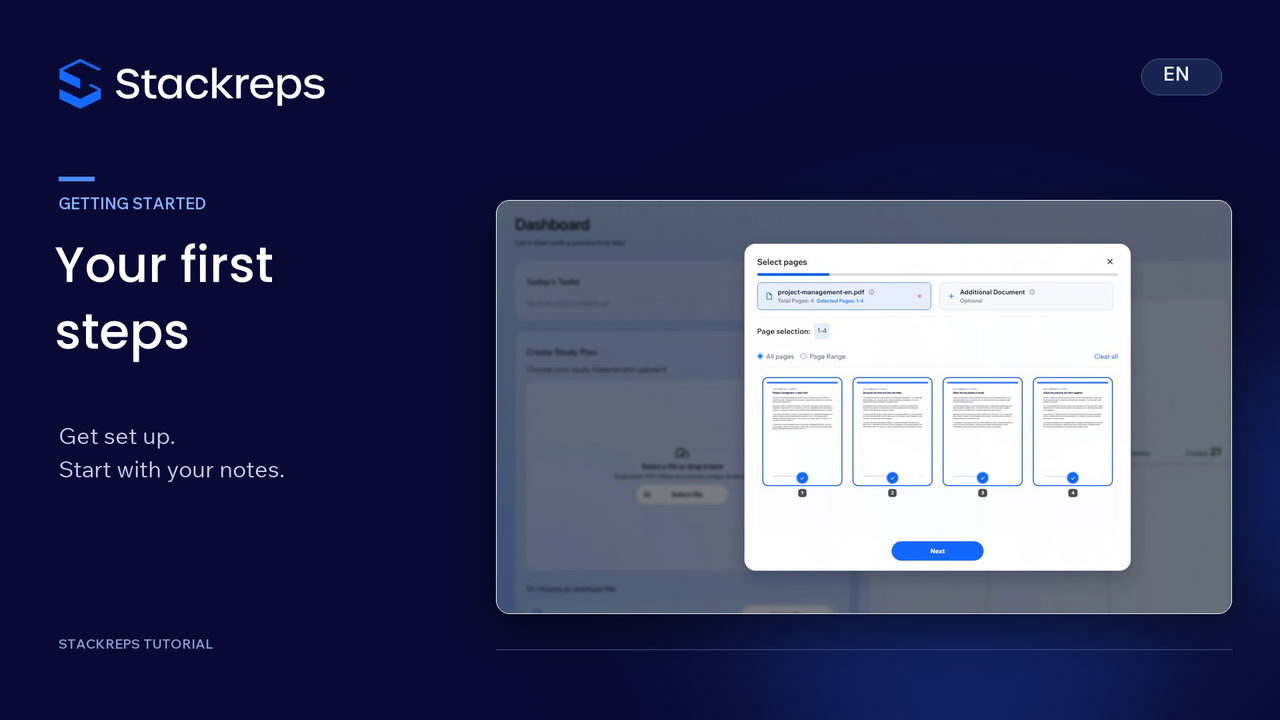 Getting started
Get started in Stackreps: preview registration and sign-in, try and close the introduction, find your study plans and support, save your language, and select your first document.
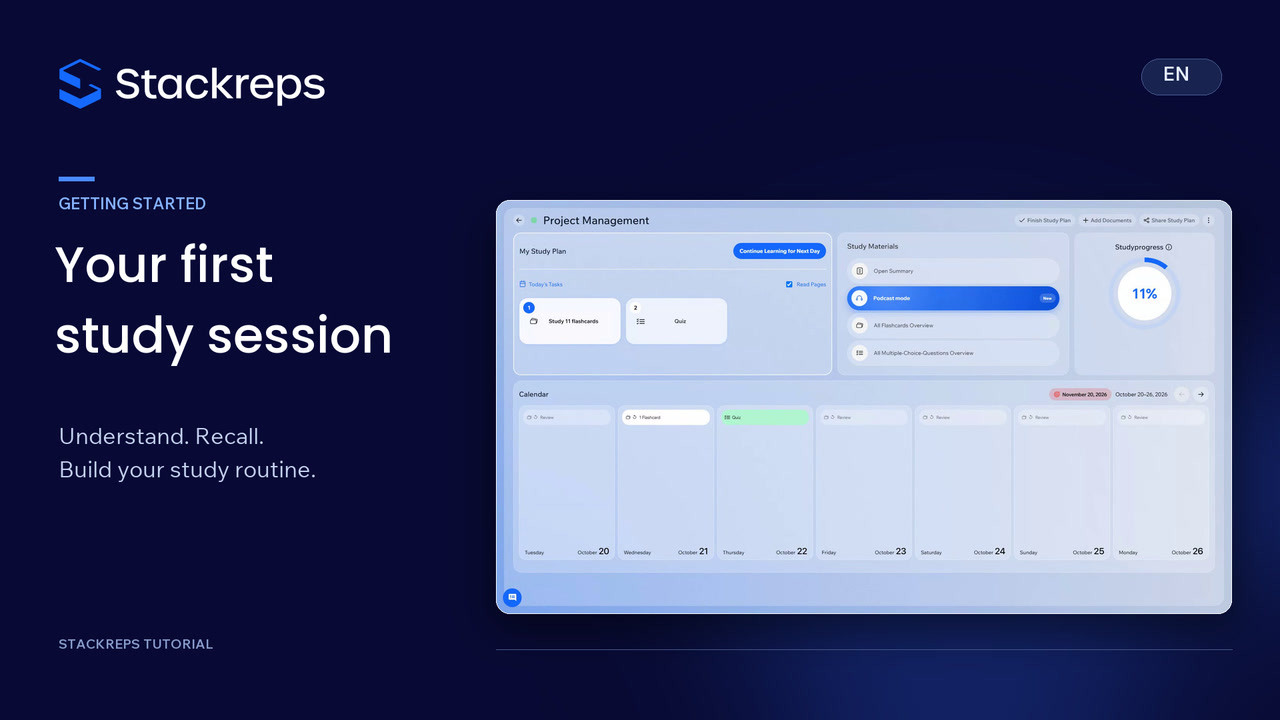 Getting started
Follow your first complete study session: select your notes and learning goal, create a stack, then use its summary, questions, flashcards and study podcast. Connect understanding with active recall and revision.
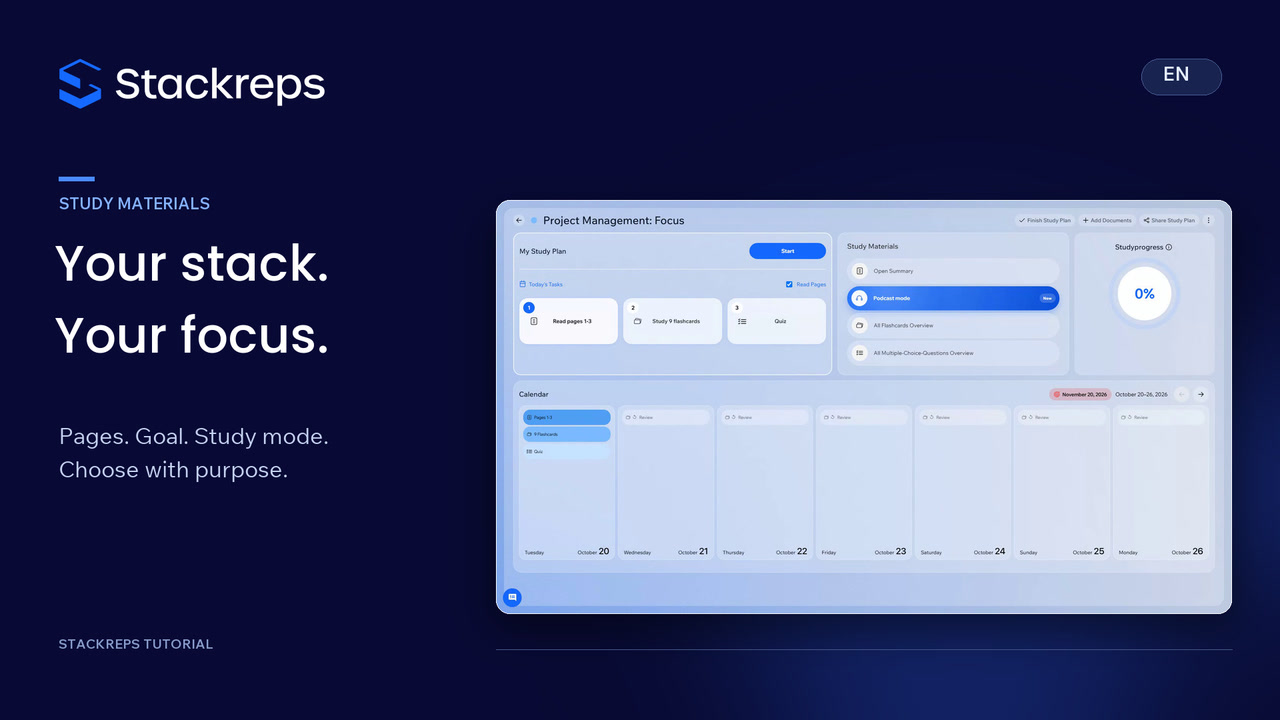 Study materials
Build a stack around your study goal: select relevant pages, add a useful extract, and compare an exam target, long-term learning and study modes. Check your choices and the displayed cost before creating the stack.
 Learning & exams
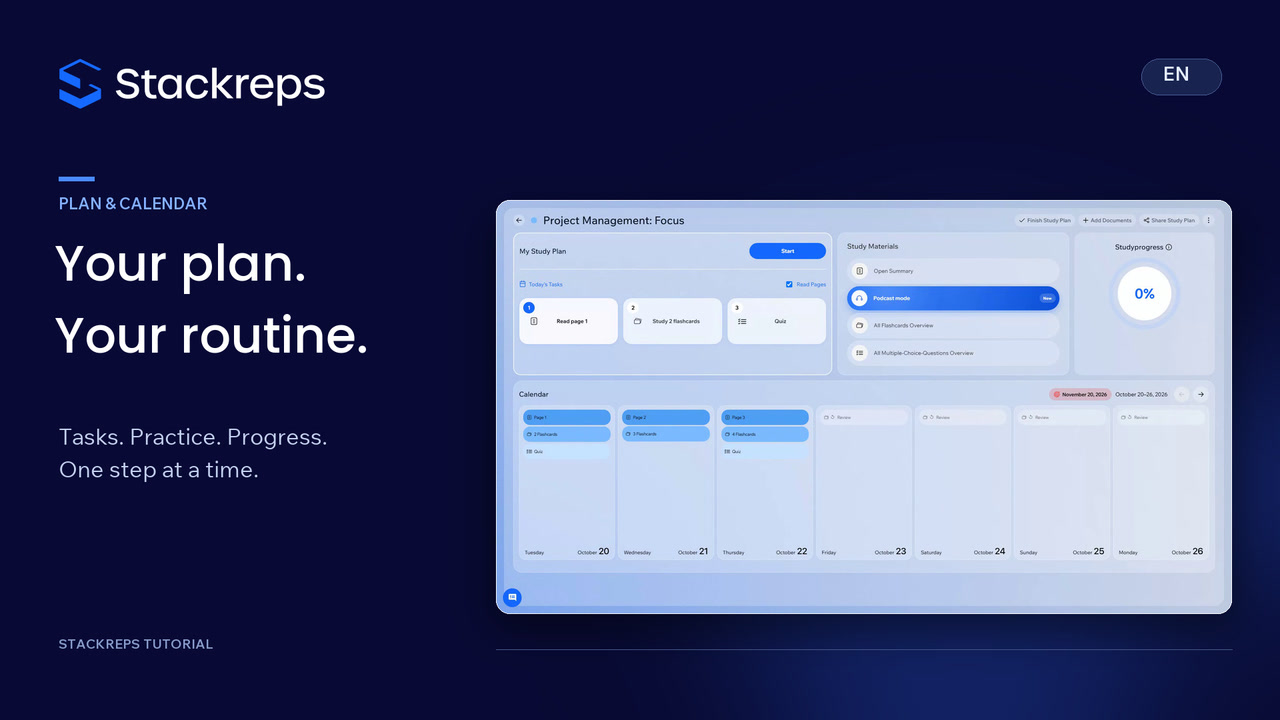
Start each study day with a clear next step. Use daily tasks and the calendar, move from reading into practice, and understand how extra practice differs from planned learning progress. Change an exam date deliberately and check that the update has been saved.
 Study materials
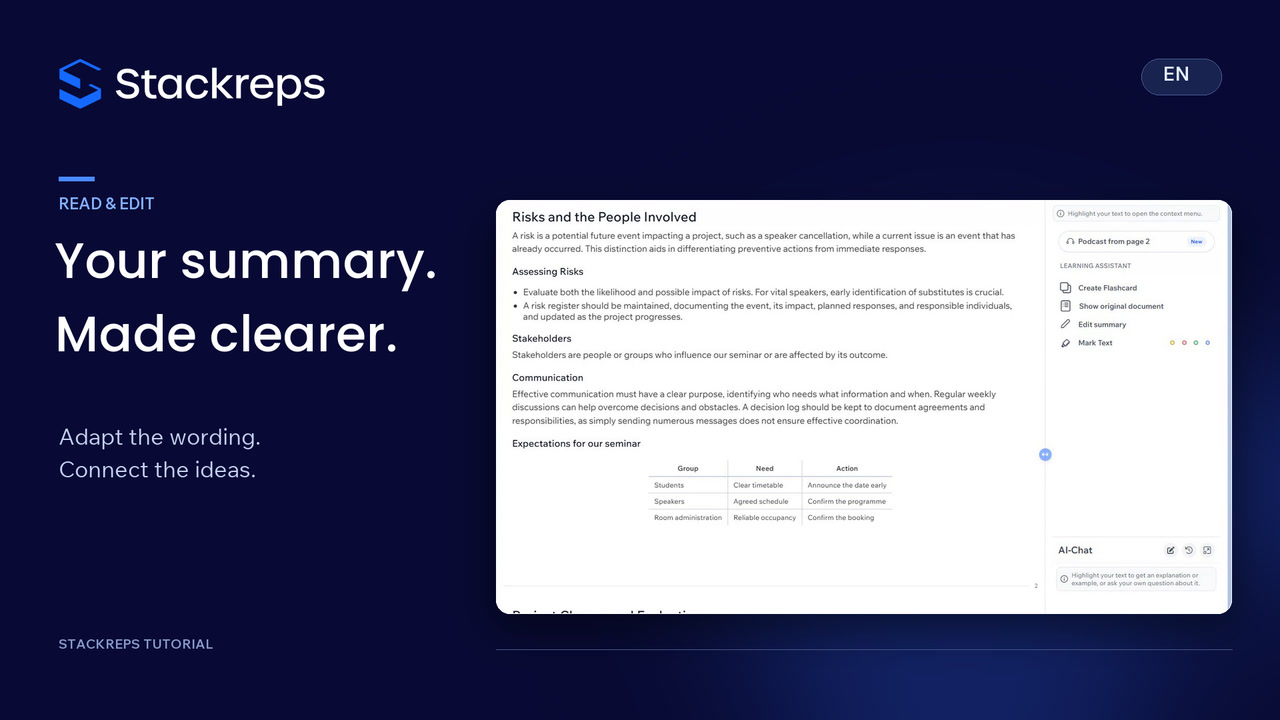
Turn a generated summary into your own study material. Check a term in the original document, relate it to your example and organise the practical relationships in a table. Review the preview and original comparison, then reopen the saved summary to check your changes.
 Study materials
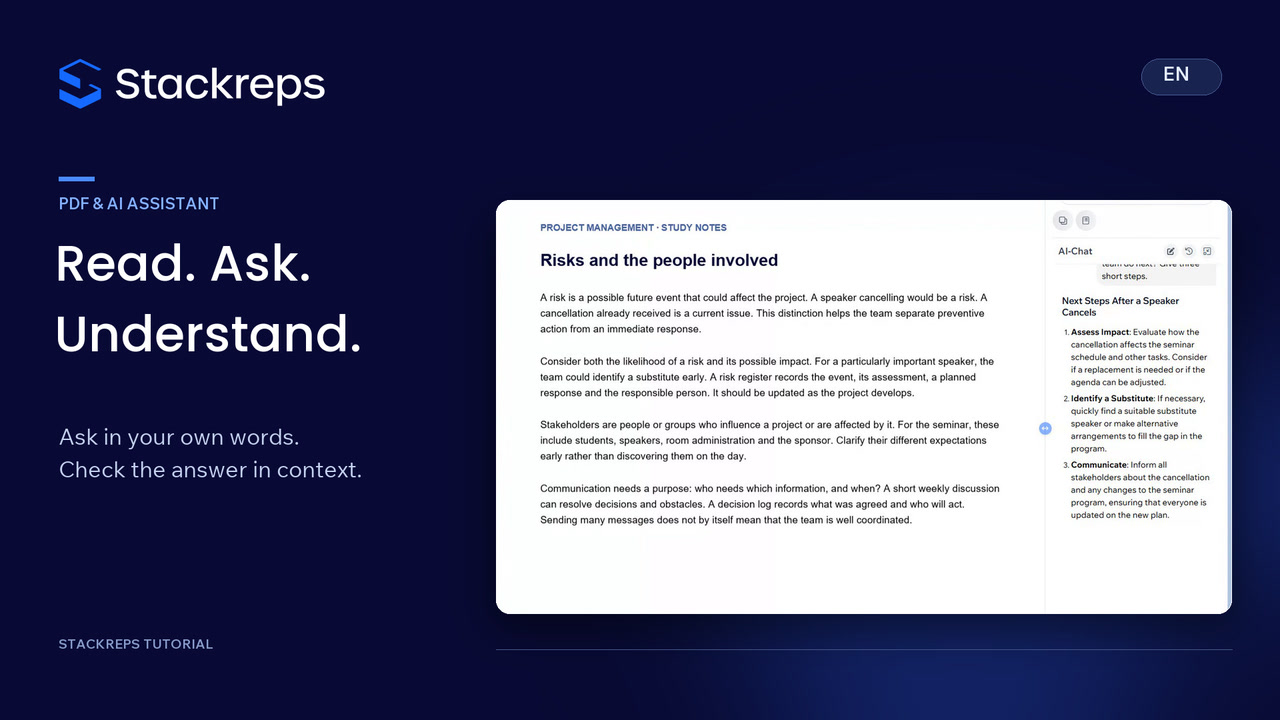
Turn a difficult passage into a focused study question. Select the relevant text, ask the AI assistant for examples and use a follow-up to apply the idea. Prepare a recall question from the source and return to your saved conversation when you need it.
 Learning & exams
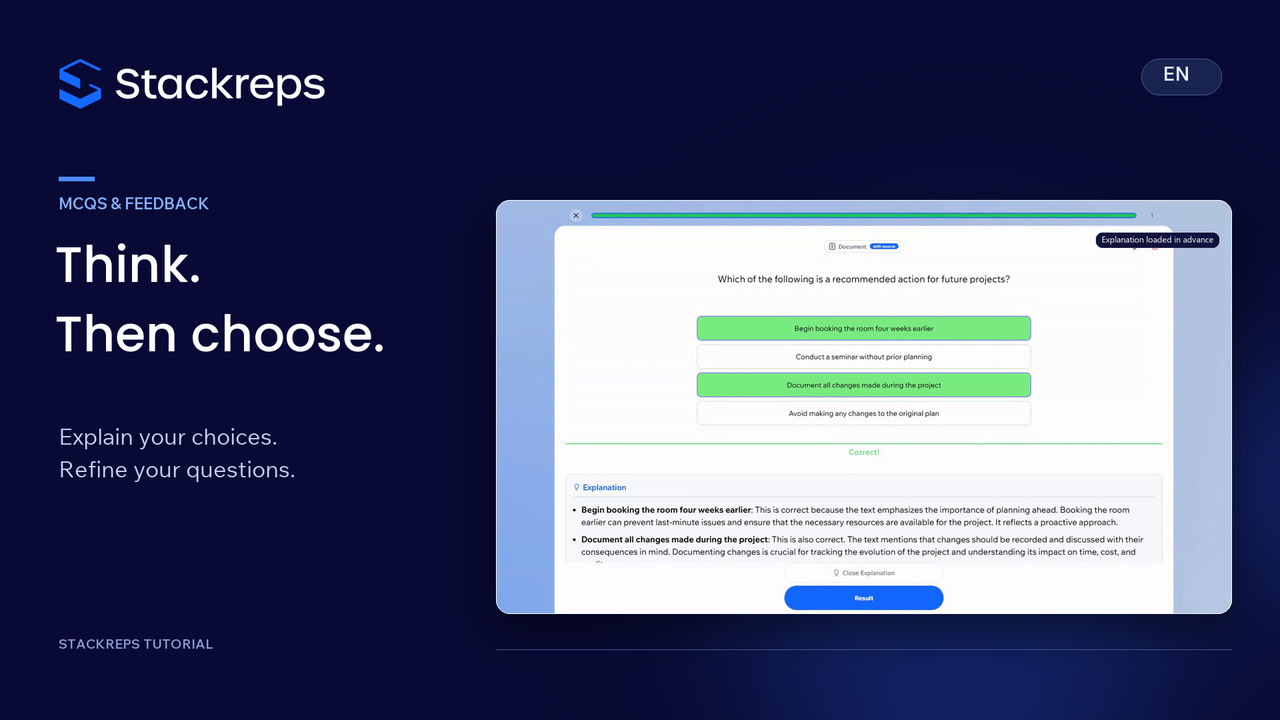
Check your understanding with multiple-choice questions. Select all suitable answers, read the feedback and use filters to find unanswered questions. Check a generated question for accuracy, correct its wording and an answer choice, and add an explanation that makes the reasoning clear.
 Learning & exams
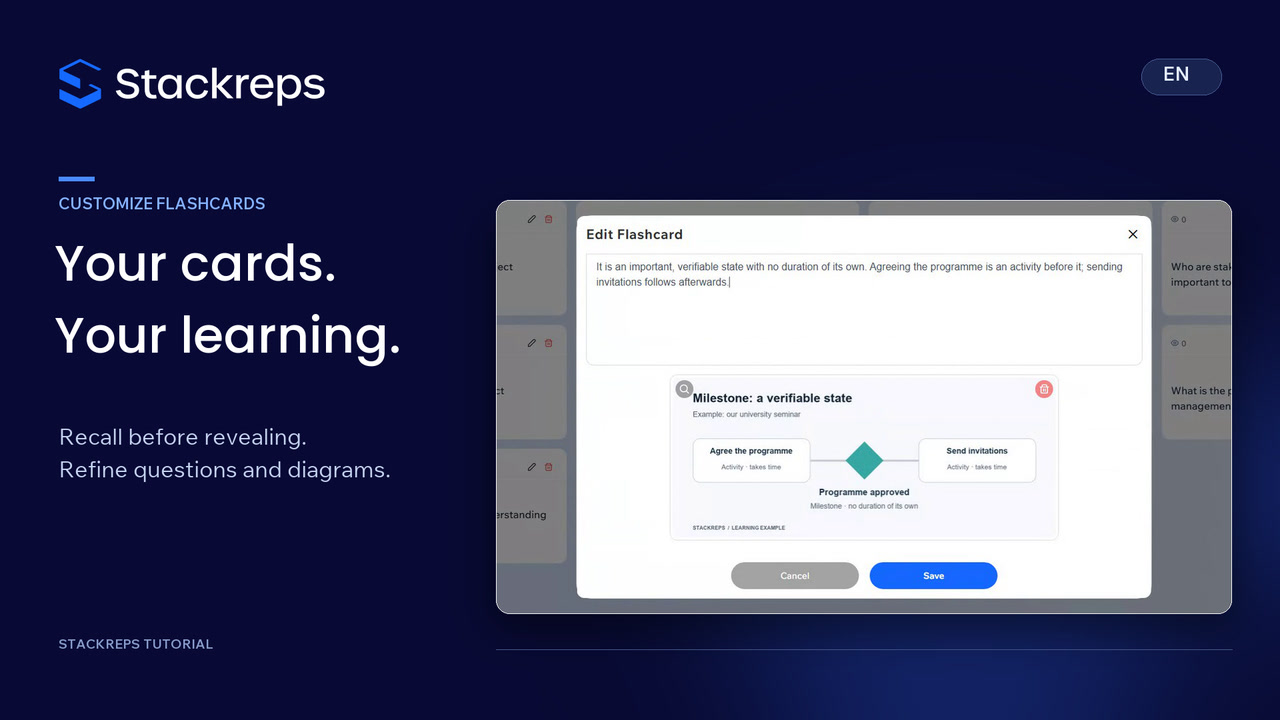
Try to recall an answer before revealing it, then rate your confidence honestly. Find cards with the overview filters, refine their questions and answers, and attach a useful learning diagram. Turn a passage from your notes into a new card with a specific question of your own.
 Learning & exams
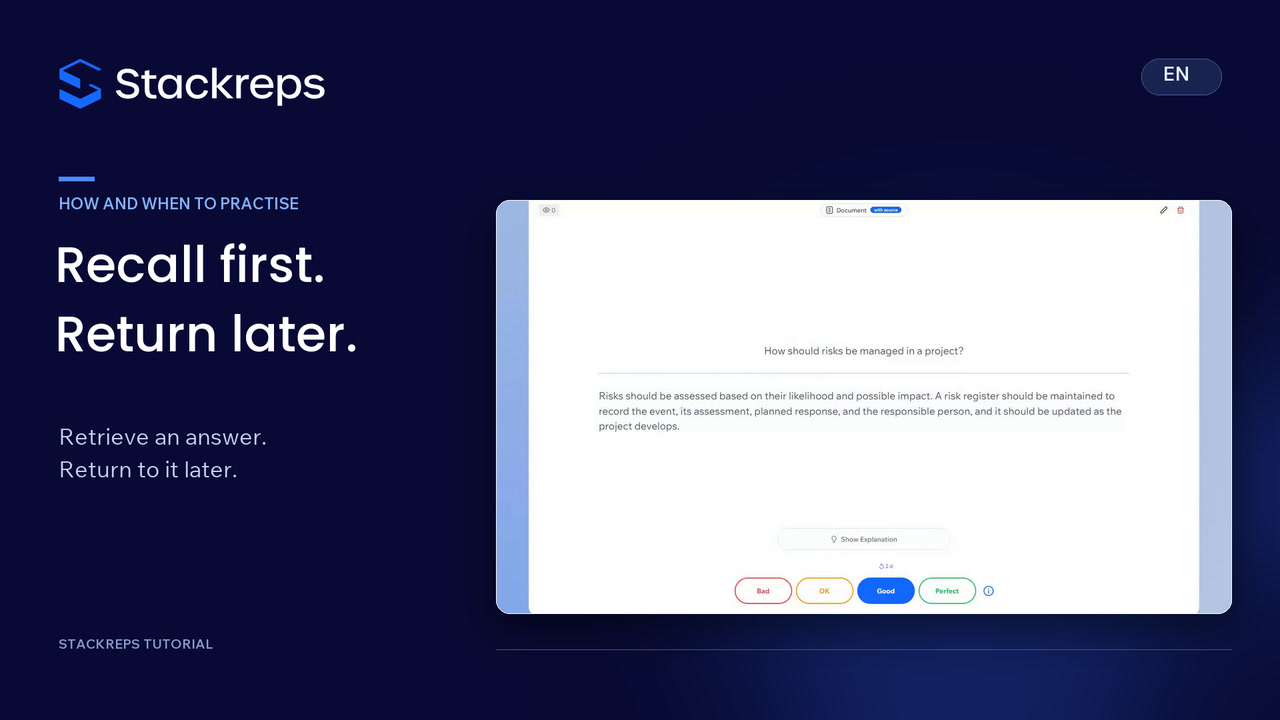
Understand how active recall differs from distributing practice over time. Try a real daily flashcard before revealing its answer, compare your reasoning and rate your recall honestly. Follow a concrete example of the next review appearing in the Stackreps calendar.
 Podcasts
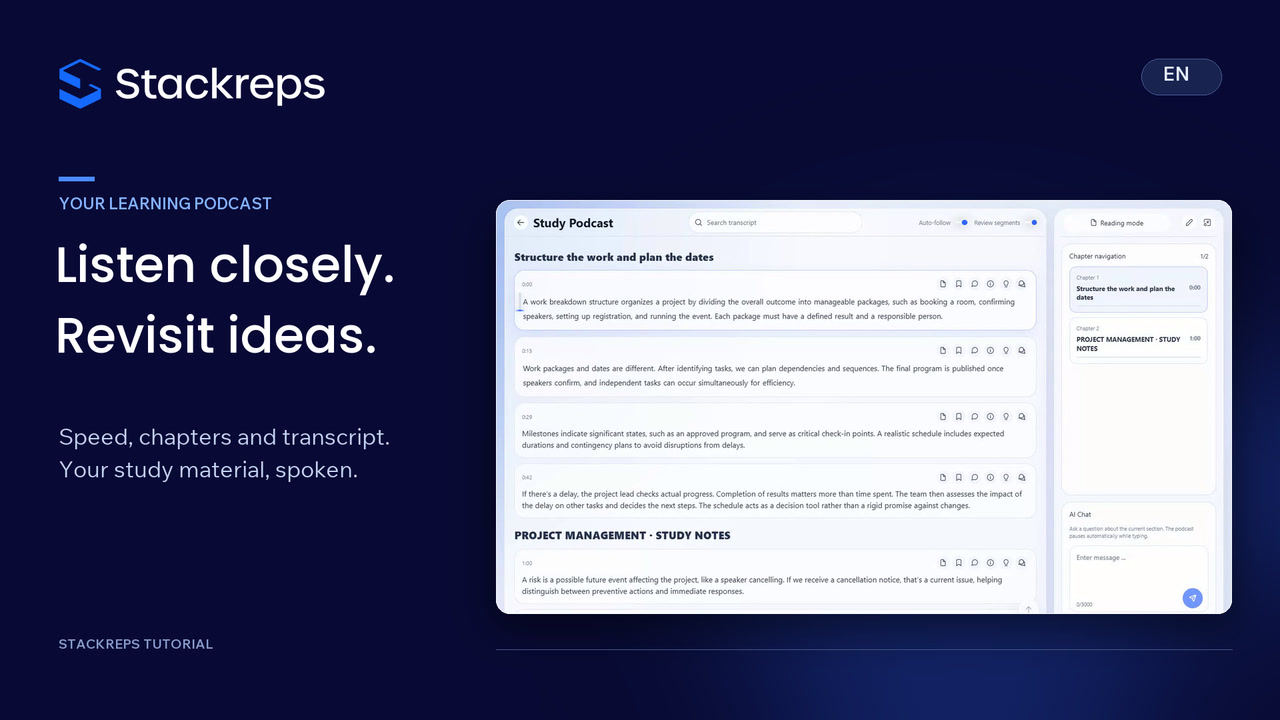
Make podcast revision deliberate: control speed and ten-second jumps, find passages through chapters and transcript search, and distinguish Normal from Express. Explore speaker pairs, available review questions and the offline MP3 export.
 Podcasts
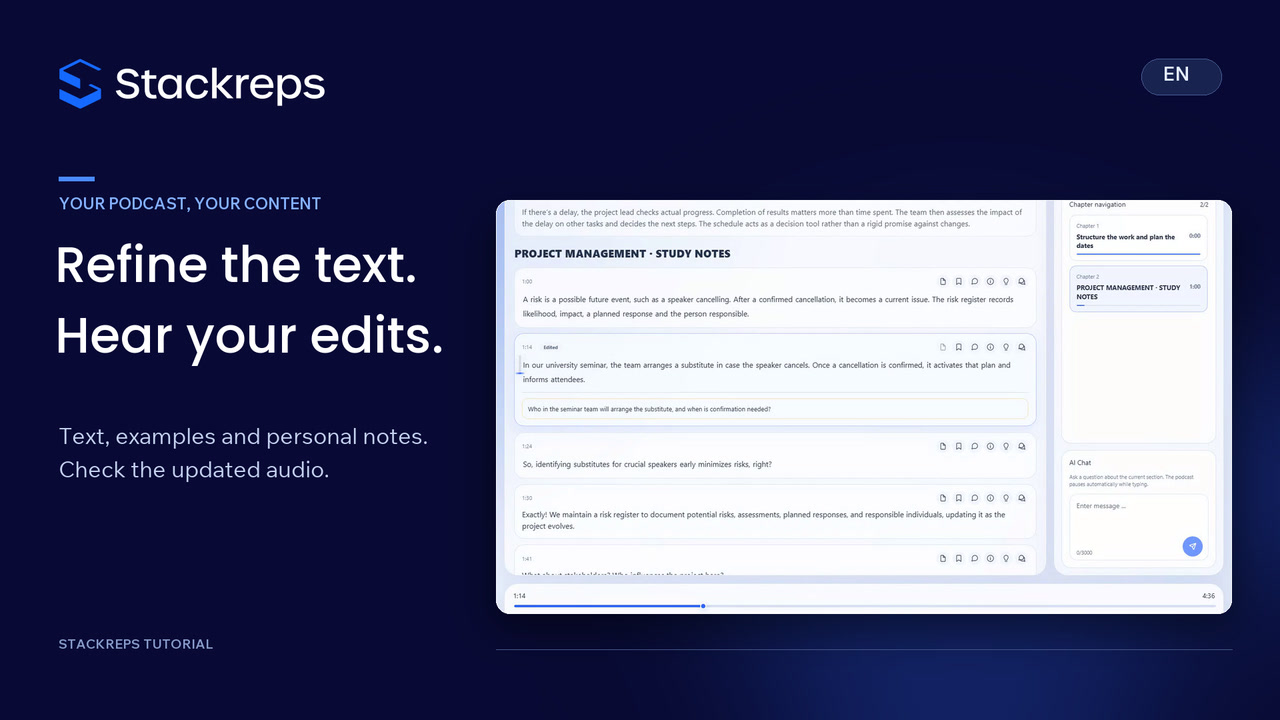
Refine a generated learning podcast: clarify an explanation, compare it with the original and insert your own seminar example as a new segment. Save the changes, keep a personal question in a separate note and check the updated audio against the actual added content.
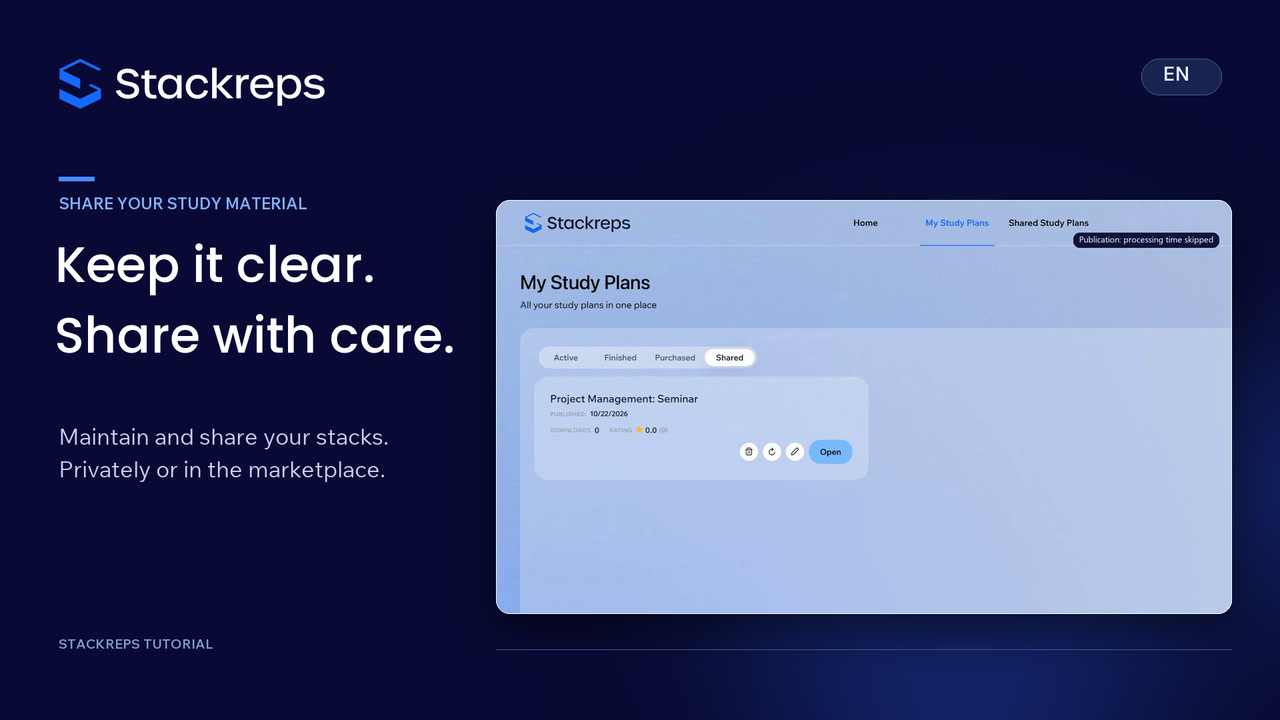 Sharing
Find and maintain your stack: rename an existing plan, distinguish private sharing from public marketplace visibility and write a clear description. Reopen saved changes to check the result, keeping personal learning progress separate from shared study material.