Get the Most from Learning Podcasts
Make podcast revision deliberate: control speed and ten-second jumps, find passages through chapters and transcript search, and distinguish Normal from Express. Explore speaker pairs, available review questions and the offline MP3 export.
Step by step
- Open a fully generated podcast and listen to a specific passage.
- Use pause, ten-second jumps and a playback speed that suits the explanation.
- Choose a chapter or locate a term with transcript search.
- Preview speaker pairs and distinguish the Normal and Express content profiles from playback speed.
- Read the regeneration warning before confirming a profile change, and enable available review segments when useful.
- Find the MP3 export in the offline section; the file must be prepared before it can be downloaded.
Transcript
- 0:00On your way to university,
- 0:01you want to revisit a topic without opening your notes.
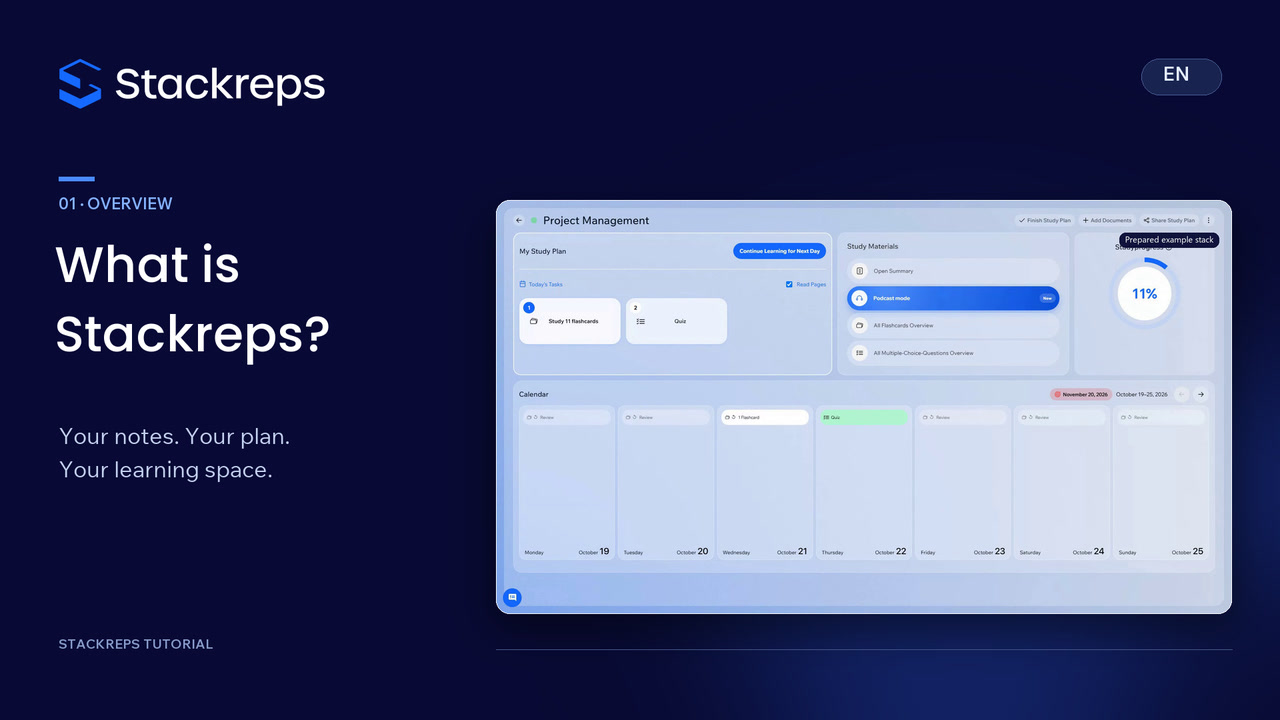
- 0:04Open the completed learning podcast in your stack.
- 0:07Here is a short excerpt:
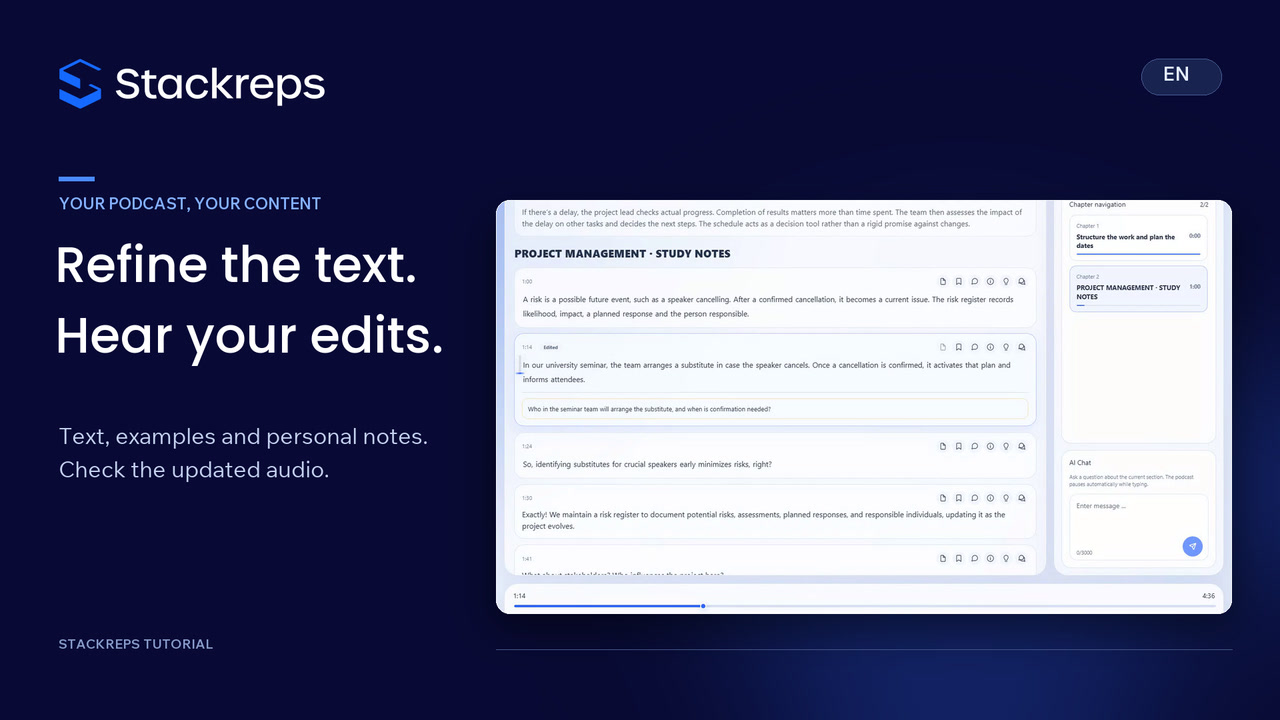
- 0:09So, effective communication is essential for smooth project progression?
- 0:14Pause whenever an explanation needs a moment to sink in.
- 0:17The ten-second controls let you replay a point or move past familiar material.
- 0:23Playback speed is a separate preference; we select one point one here.
- 0:27Targeted revision does not require starting again.
- 0:31Choose a chapter, or search for a term in the transcript.
- 0:35We look for risk and use the results to locate the relevant passage.
- 0:40During playback, the highlighting follows the spoken text.
- 0:44Preview the speaker pairs before choosing.
- 0:47Normal keeps the full level of detail;
- 0:50Express offers a more compact explanation.
- 0:53This changes the content, rather than just speeding up playback.
- 0:56The confirmation warns that the transcript and audio will be replaced.
- 1:00We keep Normal here.
- 1:02A new voice may need rendering.
- 1:04Review segments add short questions to the listening experience.
- 1:08You can switch them on or off.
- 1:10This podcast includes a question about the risk register,
- 1:14giving you a chance to think before continuing.
- 1:17The offline section offers an MP3 export.
- 1:21It prepares a file that you can download once it is ready.
- 1:25The podcast itself must be fully generated first.
- 1:28Find the passage you need, listen attentively, and replay unclear points.
- 1:33That makes your listening session deliberate.
- 1:36The next tutorial covers editing the podcast itself.