Practice and Edit MCQs
Check your understanding with multiple-choice questions. Select all suitable answers, read the feedback and use filters to find unanswered questions. Check a generated question for accuracy, correct its wording and an answer choice, and add an explanation that makes the reasoning clear.
Step by step
- Open a question from the overview for free practice and think before selecting anything.
- Consider each option, select every correct answer and check the feedback.
- Read the explanation and describe why each statement does or does not fit.
- Use the correct and unanswered filters, keeping free practice separate from today's scheduled tasks.
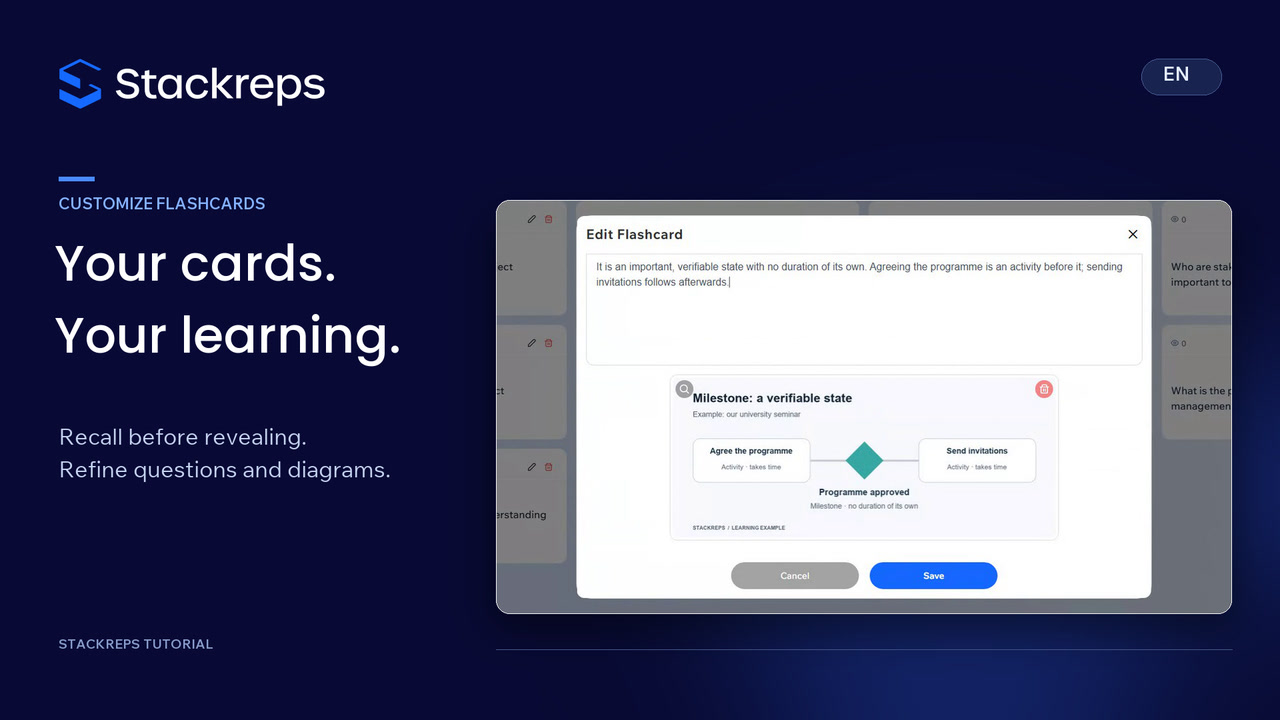
- Check a generated question and correct its question text, inaccurate option and explanation in the editor.
- Save the accurate correction, then reopen the question to check the result.
Transcript
- 0:00Recognising an answer is different from understanding it.
- 0:03Multiple-choice questions help you check which statements you can actually explain.
- 0:08We'll work with the same university seminar example.
- 0:11Read the question and think before selecting anything.
- 0:14More than one answer can be correct.
- 0:17Consider each option, choose the statements that fit the material,
- 0:20then check your answer.
- 0:22Both correct choices are marked in green.
- 0:25The explanation connects earlier room booking
- 0:27and documented changes with better planning for the next seminar.
- 0:31Read why the other choices do not fit, and put that distinction into your own words.
- 0:38Free practice here is separate from today's scheduled tasks.
- 0:42Back in the overview, filters show questions you last answered correctly
- 0:46and those you haven't answered yet.
- 0:48Use that overview to choose what to practise next.
- 0:51Check generated questions for accuracy too.
- 0:54This option treats a work breakdown structure as a timeline.
- 0:58It divides the intended outcome into work packages.
- 1:01Sequence and dependencies belong to scheduling,
- 1:04so this option needs correcting.
- 1:07In the editor, we make the question specific to our seminar
- 1:10and replace the inaccurate option.
- 1:13The existing correct-answer positions stay the same.
- 1:16Then we add an explanation:
- 1:18delivering the seminar is our goal; booking its room is one work package.
- 1:24The question, choices and explanation now tell a consistent story.
- 1:29Check that the wording is accurate before saving.
- 1:32Your correction then becomes part of the study material in your own stack.
- 1:36Reopen the question to check that the revised question,
- 1:39option and explanation are still there.
- 1:42Use feedback, consult your notes and improve unclear questions.
- 1:46The learning happens when you can explain the reasoning yourself.