Study and Customize Flashcards
Try to recall an answer before revealing it, then rate your confidence honestly. Find cards with the overview filters, refine their questions and answers, and attach a useful learning diagram. Turn a passage from your notes into a new card with a specific question of your own.
Step by step
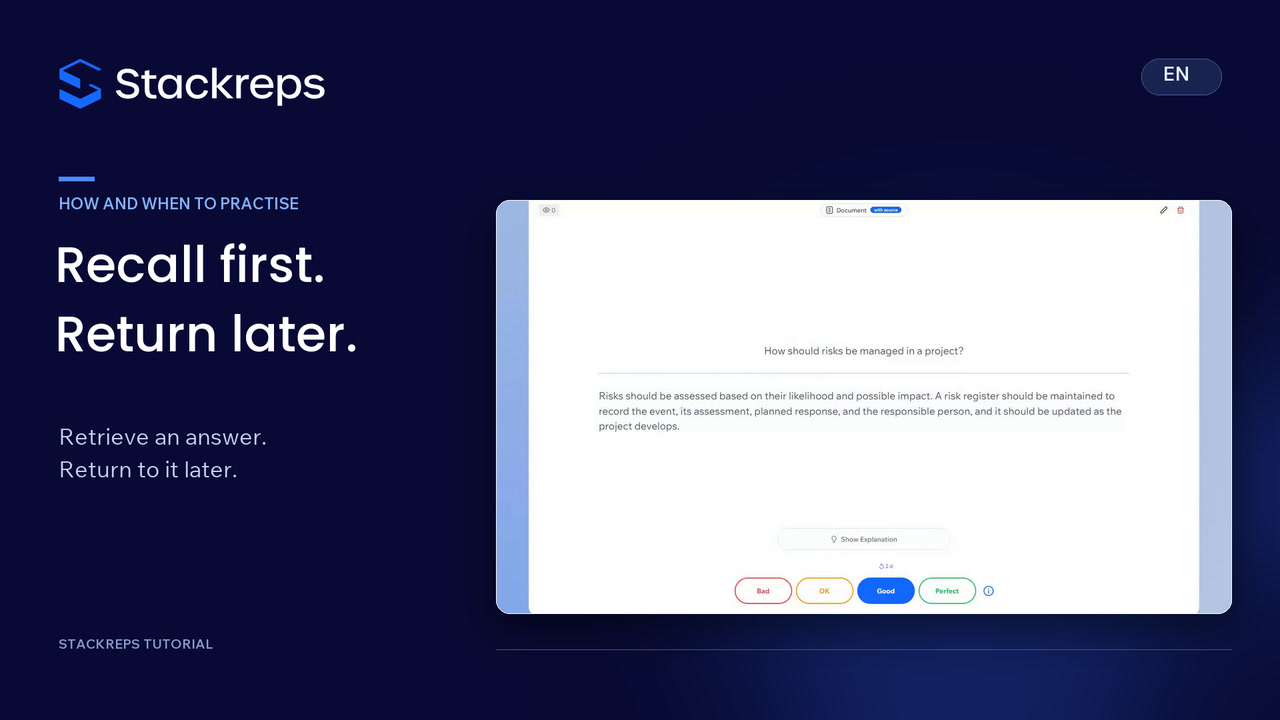
- Open a card for free practice and form your own answer before revealing the back.
- Compare your reasoning with the answer and rate it honestly using Bad, OK, Good or Perfect.
- Use the repeated and not-repeated filters, keeping free practice separate from scheduled daily tasks.
- Rewrite an unclear card's question and answer, and upload a relevant learning diagram.
- Save your changes and reopen the card to check both the text and the image.
- Transfer a selected passage into a new card's answer, add a precise question, shorten the answer and save your own card.
Transcript
- 0:00A definition looks familiar.
- 0:02But can you explain it without help?
- 0:04Flashcards let you check that
- 0:05and shape the material around what you need to learn.
- 0:08Start with the question alone.
- 0:10Think about our university seminar:
- 0:12what happens if the team must deliver more in the same amount of time?
- 0:17Form your own answer before revealing the back.
- 0:20Compare your reasoning with the answer.
- 0:22Rate how confidently you recalled it, from Bad to Perfect.
- 0:27Here we choose OK.
- 0:29Recognising the wording is different from recalling the idea yourself.
- 0:33The overview separates cards you have reviewed from those you have not.
- 0:38Free practice here does not change your daily learning progress.
- 0:42Use the filters to choose the material you want to work on.
- 0:46A card becomes more useful when it asks a specific question.
- 0:50We tailor this milestone question to our seminar and rewrite its answer too:
- 0:55programme approval is a verifiable state, with no duration of its own.
- 1:01Use Add image to attach a relevant diagram.
- 1:04It separates the activities before and after approval from the milestone itself.
- 1:09Choose images that explain the relationship,
- 1:12rather than decorate the card.
- 1:15Save your changes and reopen the card.
- 1:18The question, answer and diagram now work together.
- 1:22Check that the explanation is accurate as well as clear.
- 1:26You can also turn a passage from your notes into an answer for a new card.
- 1:31We add a specific question about seminar coordination
- 1:35and shorten the answer to the information we want to recall.
- 1:39Then we save the new card.
- 1:41Our own question is now in the overview.
- 1:44Make the material your own: ask a precise question, try to answer it yourself,
- 1:49and improve anything that remains unclear.